
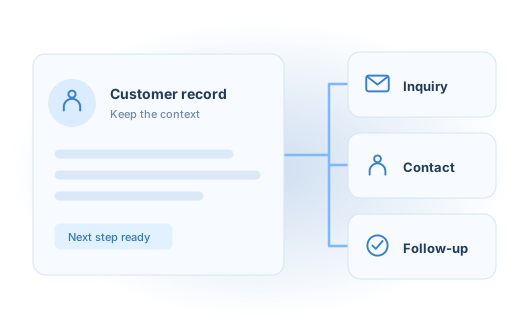
Your CRM is more useful when it receives the right information from the rest of your business. We connect your website and everyday tools to customer records your team can understand and act on.
Keep the customer context with the customer.
Inquiries arrive through forms, appointments, email, and other tools. When that information stays separate, people repeat questions, miss follow-up, or work from different versions of the same contact. We map how customer information should move and what your team needs at each stage.
Customer data connections
Map contact and business fields between your CRM and connected tools. Decide which system owns each value and how updates should be handled.
Inquiry routing and handoffs
Connect incoming requests with an owner, task, or agreed next step. Preserve the context of the request so sales and service teams can pick up the conversation.
A clearer existing setup
Review inconsistent fields, duplicate creation, and disconnected processes. Improve the parts that get in the way before expanding the automation.
AN EXAMPLE OF HOW IT CAN WORK
A booking your team can follow through.
A prospect books a call after visiting your website. Their contact record is created or updated, the booking details stay attached, and the responsible person receives the information needed to prepare. An existing contact should not become a second, disconnected record.
- 01Inquiry or booking
- 02Match the contact
- 03Add the context
- 04Assign the next step
Agree how the information should behave.
- Review the CRM, connected tools, and current customer journey.
- Define fields, ownership, matching rules, and update direction.
- Build the agreed connections and practical team handoffs.
- Test with agreed sample records and document how the flow is maintained.
Common questions.
Can you work with our current CRM?
We start by reviewing the platform, subscription level, and available integration methods. We will confirm what is practical with the tools you have before recommending a change.
Can you help with HubSpot specifically?
Yes. We have a dedicated HubSpot setup and integration service covering website connections, forms, booking, chat, and the customer handoffs around them.
Does every field need to sync both ways?
No. Syncing everything in both directions can create conflicts. We define which information needs to move, when it should move, and which system is responsible for keeping it accurate.
Start with the work you need to improve.
Tell us what you have, where the gaps are, and what a better result would look like.